
Canva vs professional designer is one of the most common questions we hear from Kenyan business owners trying to keep costs down while still looking credible online. Canva has made design accessible to anyone with a laptop and an internet connection, and for some tasks that is genuinely enough. For others, it quietly costs a business more than it saves, in missed opportunities and a brand that never quite looks like everyone else’s does not apply here.
This guide breaks down the Canva vs professional designer decision in practical terms — exactly where Canva holds up, where a professional designer earns their fee, and how to decide which one your business actually needs right now. If you already have a logo but no rules around how to use it, our graphic design and branding services page covers how we can help document that properly.
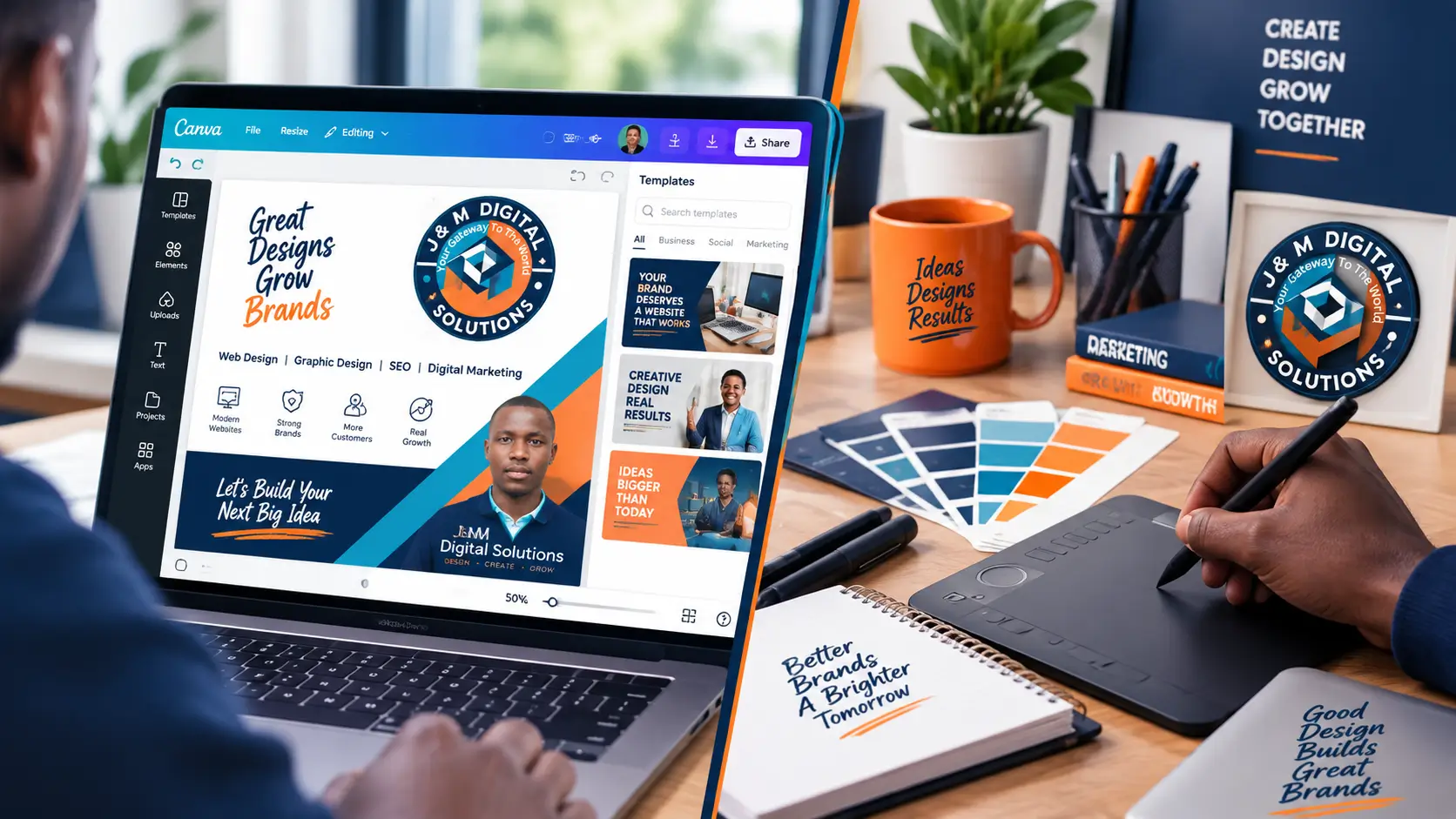
What Canva Actually Does Well
Canva is a genuinely useful tool, and dismissing it outright in the Canva vs professional designer debate does most small Kenyan businesses a disservice. For quick, repeatable content, it is often the right call.
Key fact: Canva works best for high-volume, low-stakes content, such as a daily Instagram post or a WhatsApp status graphic, where speed matters more than originality and a template-based look is not a problem.
Here is a quick Canva vs professional designer reference for the design tasks a typical Kenyan SME handles most often.
| Task | Canva or Professional Designer? |
|---|---|
| Daily social media posts using an existing template | Canva, once the template is set up correctly |
| Original logo and full brand identity | Professional designer, to avoid duplicate designs and weak files |
| Simple event flyer or WhatsApp promotion graphic | Canva, especially under time pressure |
| Packaging, signage, or print-ready business materials | Professional designer, for correct print specifications |
| Brand identity guidelines document | Professional designer, to ensure colours and rules are accurate |
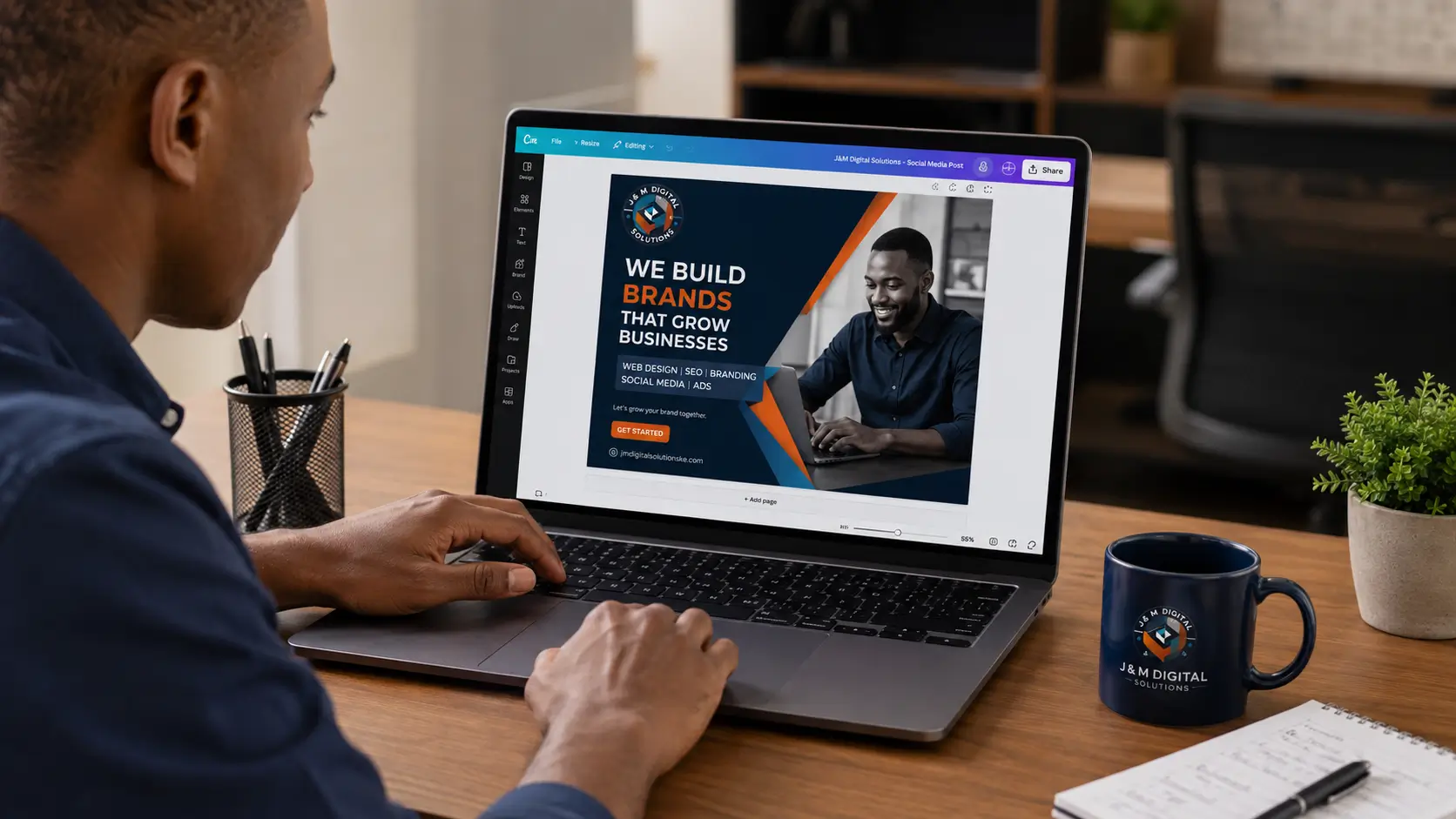
Where Canva Falls Short
The Canva vs professional designer question usually comes up once a business has been using free templates for a while and starts noticing the gaps.
Template Overlap
Popular Canva templates are used by thousands of businesses. There is a real chance a competitor, even one in the same Kenyan town, is using a near-identical layout for their own promotions.
Weak File Formats for Print
Canva exports are generally fine for screens but often fall short of the vector or high-resolution CMYK files a printer needs for business cards, banners, or packaging.
No Strategic Input
A template asks you to fill in text and swap a photo. It cannot advise on what will actually resonate with your specific customers, competitors, or industry the way a proper discovery conversation with a designer can.
Inconsistency Over Time
Without a documented identity behind it, Canva use tends to drift, with slightly different colours and fonts creeping in every time a new staff member picks a fresh template.
Canva vs Professional Designer: How to Decide
The real decision is rarely all-or-nothing. Most growing Kenyan SMEs land on a hybrid approach: a professional designer builds the logo, brand colours, and a small set of reusable Canva templates, and the business then uses Canva day to day within those guardrails. This gets the speed of Canva without losing the consistency a professional designer brings to the foundation.

Client: Salon Chain, Nairobi
This project is a clear example of where the Canva vs professional designer decision plays out in practice. A three-branch salon chain in Nairobi had been running its social media entirely through free Canva templates for over a year. Two of their most-used templates turned out to be near-identical to designs already being used by a competing salon in the same estate. We built a custom logo and colour palette, then delivered five branded Canva templates the salon’s own staff could keep using without needing a designer for every post.
These figures reflect one client’s project and are not a guaranteed outcome for every business. Results depend on the existing identity and how consistently the templates are used afterward.
Common Mistakes With DIY Design Tools
These are the issues we see most often when a Kenyan business skips the Canva vs professional designer question entirely and relies on free templates without any professional design foundation behind them.
| Mistake | What Goes Wrong |
|---|---|
| Using a Canva template as the actual logo | Risk of a near-identical mark already used by another business |
| Never locking brand colours into a saved Canva palette | Every new post uses a slightly different shade, undermining consistency |
| Exporting Canva files for print without checking resolution | Blurry banners, signage, or business cards at the printer |
| Assuming Canva can replace strategic branding work entirely | Business ends up with content but no coherent brand identity behind it |
| Switching designers or templates frequently with no guidelines to follow | Feed and materials look disjointed instead of belonging to one business |
How J&M Digital Solutions Can Help
We are often brought into the Canva vs professional designer conversation exactly at the point where a business has outgrown free templates and needs a professional designer to build the foundation Canva can then run on top of.
- Custom logo and full identity design through our graphic design and branding services
- Branded, ready-to-use templates carried across your channels via our social media marketing services in Kenya
- A website that matches your brand through our web design services in Kenya
- Real client work on our portfolio page
- More on our team and approach on our about page
Settle the Canva vs Professional Designer Question for Your Brand
Tell us where Canva has been letting you down, and we will put together a logo, colours, and templates built for your business, not borrowed from a shared library.
Phone / WhatsApp: +254 769 604 780 | Website: jmdigitalsolutionske.com | Service Area: Nairobi and Nationwide, Kenya
Frequently Asked Questions
Is Canva good enough for a small business logo?
Canva can work for an early-stage test of a business idea, but because it draws from a shared library of icons and layouts, there is a real risk of ending up with a mark similar to another business. A custom logo from a professional designer avoids that overlap.
Can a professional designer and Canva work together?
Yes, and this is the approach most growing Kenyan SMEs land on rather than treating Canva vs professional designer as an either-or choice. A designer builds the logo, colours, and a set of templates, and the business then uses Canva day to day within those guardrails.
Why do my Canva graphics look blurry when printed?
Canva exports are generally built for screens rather than print. For business cards, banners, or packaging, a professional designer can supply proper vector or high-resolution CMYK files that print cleanly.
How do I know if my business has outgrown Canva templates?
Common signs include noticing a competitor using a near-identical template, staff producing visibly inconsistent posts, or needing print-ready files that Canva cannot properly supply.
Is hiring a professional designer expensive for a small Kenyan business?
Costs vary by scope, but a one-time investment in a logo, colours, and a set of reusable templates is typically far cheaper long-term than repeatedly reworking inconsistent Canva content or discovering a template overlap with a competitor.